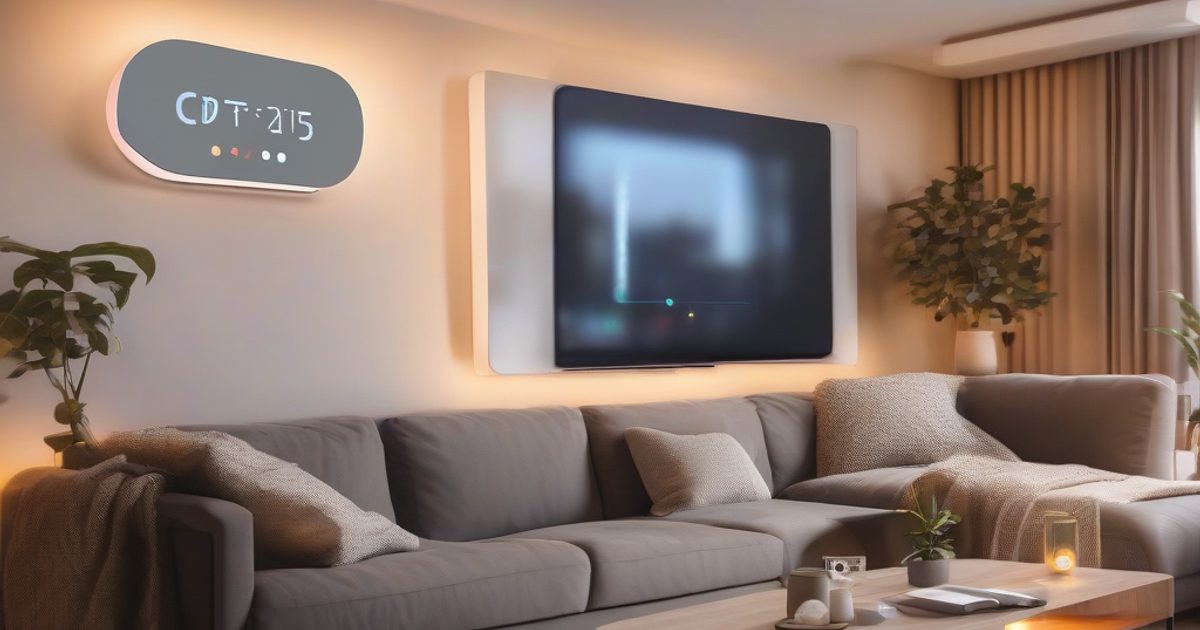
Start with a central hub like the Samsung SmartThings or Apple HomeKit to unify control of your devices. These hubs support Zigbee, Z-Wave, and Thread protocols, ensuring compatibility with brands such as Philips Hue (lights), Yale (smart locks), and Ring (security cameras). For instance, the Philips Hue Bridge uses Zigbee to connect up to 50 lights, while the Yale Assure Lock 2 pairs via Z-Wave for keyless entry. Begin with a single category—like lighting—before expanding to thermostats (e.g., Nest Learning Thermostat) or plugs (TP-Link Kasa Smart Plug).
Voice assistants like Amazon Alexa or Google Assistant simplify control. Integrate them with smart speakers such as the Echo Dot or Nest Mini for hands-free commands. Use routines like “Good Morning” to turn on lights (Lutron Caséta), adjust the thermostat (Ecobee SmartThermostat), and brew coffee (Smarter Coffee Machine). Protocols like Wi-Fi (2.4GHz preferred) ensure reliable connections, while Matter standardizes cross-brand compatibility. For example, a Philips Hue light can pair with Alexa via Zigbee and still respond to Google Home via Matter.
Key Concepts
Automate with IFTTT (If This Then That) or SmartThings Automations to trigger actions without manual input. Example: IF the Ring Doorbell detects motion, THEN turn on porch lights (TP-Link Tapo) and record a video clip. Alternatively, use geofencing with the Nest Thermostat to adjust temperature when your phone (iOS/Android) enters a 500-meter radius. For energy savings, pair a smart plug (e.g., TP-Link Tapo P110) with a motion sensor (Aqara) to shut off devices when no one’s in the room.
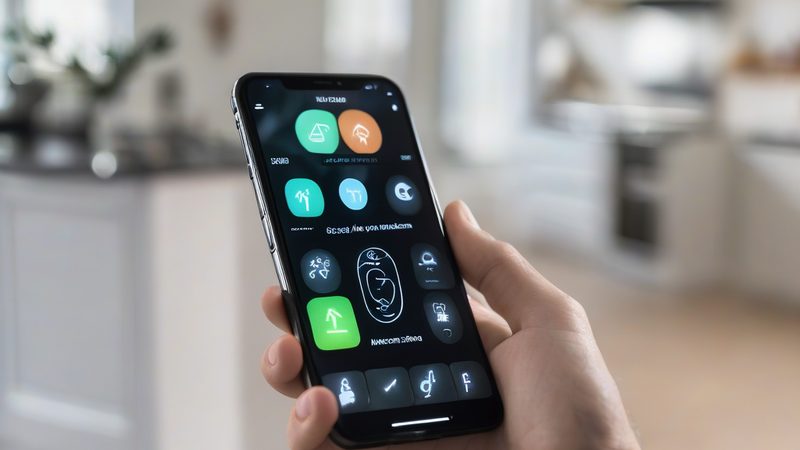
Technology is constantly evolving. This guide provides practical technical information to help you build and deploy IoT solutions with confidence.
Related: Home Assistant vs Commercial Hubs: Which Smart Home Platform Wins in 2026 · Matter Protocol Explained: The Future of Smart Home Interoperability
Practical Implementation
Expand gradually by adding sensors, cameras, or appliances. Use the Aqara Door/Window Sensor to alert your phone via HomeKit when a window opens, or install the Arlo Pro 4 camera for 2K video with local storage. Ensure your router (e.g., Google Nest Wi-Fi) supports high-density IoT traffic, and use a dedicated VLAN for smart devices to reduce latency. Start with a $100 budget (hub + 2 lights + plug), then scale to $500+ systems with security, climate, and entertainment integrations—always prioritizing reliability over flashy features.